Undo, redo and other editing gestures on touch screens
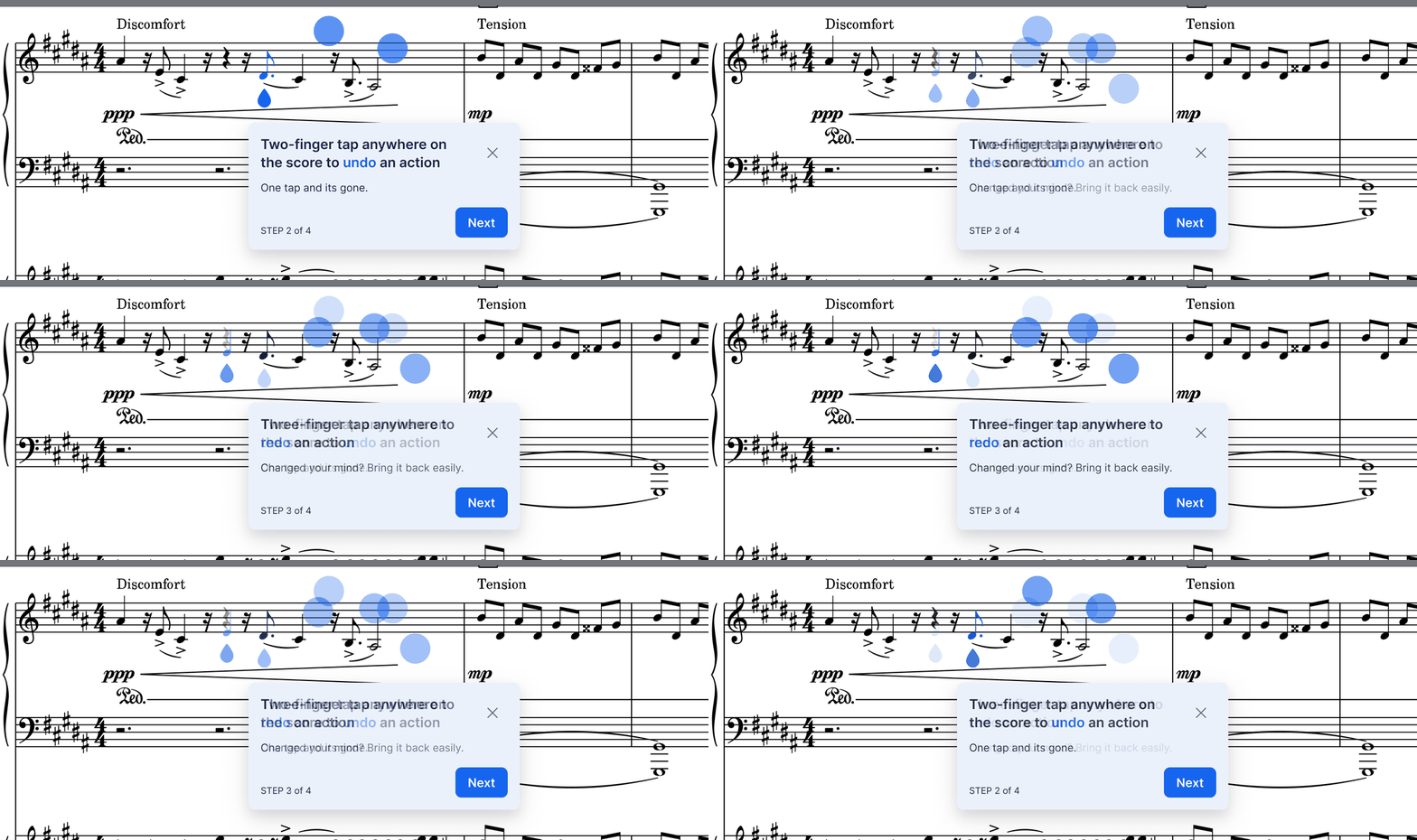
Your fingers can do more on the score. These gestures are on for everyone editing on a phone or tablet.
- Undo with two fingers, redo with three. Tap anywhere on the score with two fingers to undo your last change, three to redo it, without reaching for a button.
- Fit the page with a two finger swipe down. In page mode, the score resizes so a full page width fills the screen.
- Double tap an instrument name to zoom to it, so you can work on one part without losing your place in the score.
- Drag a note to move it. Drag sideways to put it on another beat, or up and down to change its pitch, with a magnifier above your finger so you can see the note you are aiming at.