Sight Reading Generator: key and time signatures, band parts, and a practice mode for students
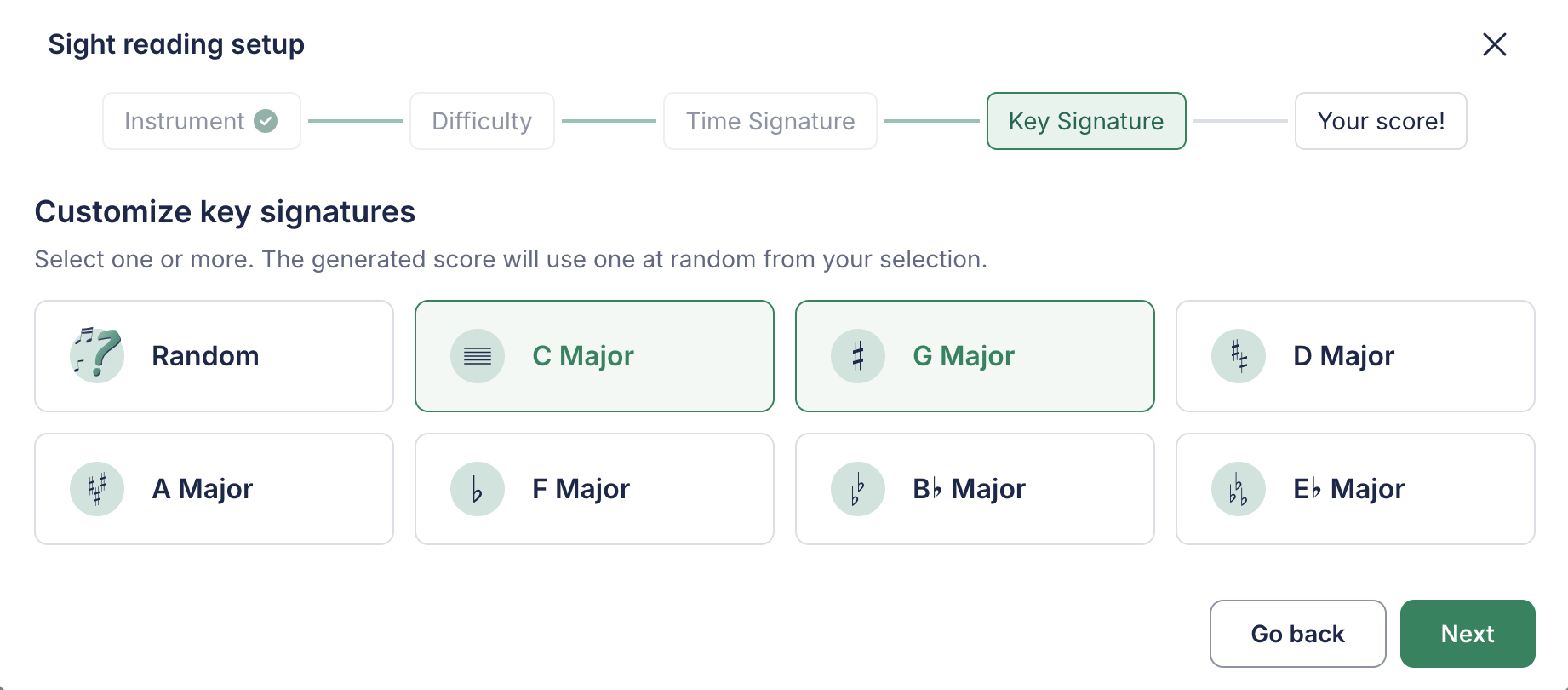
The Sight Reading Generator gets more control over what it writes, and a way for students to use it on their own.
- Choose the key and time signatures. Pick one or several keys and meters, and every exercise stays within them, along with the range you set for the instrument.
- Parts for the whole band. Generate an exercise for a band and every section gets its own part, in its clef and transposition (concert pitch, B flat, E flat, F, bass clef), all reading the same line.
- Straight into the assignment. Open the generator from the performance assignment creation flow and attach the result without leaving it.
- Practice mode for students. Students find the generator on their own tools page and generate exercises to read at their own pace, outside any assignment. Nothing is submitted or graded.
- Opens in track view. A generated exercise opens in the horizontal track view, ready to read from left to right, and never places two rests in a row.
Read more on the blog.