The new editor toolbar and panels come to Flat for Education
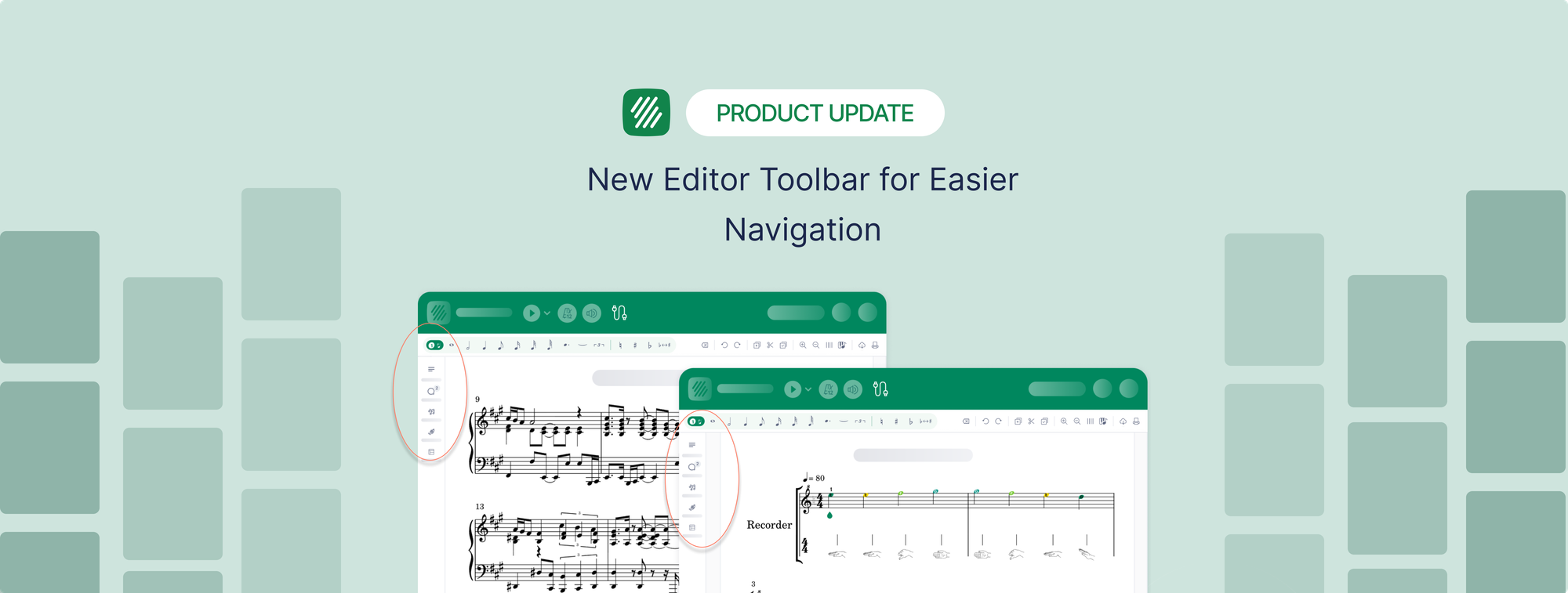
The editor in Flat for Education now uses the same toolbar as Flat, with a vertical rail on the left that opens panels for notation, instruments, layout and details, plus panels made for the classroom.
- Assignment panels for students: composition, shared writing, performance, worksheets and free recording each get a panel next to the score, with the teacher's instructions one click away and detachable into a floating window.
- Review panels for teachers, with the same layout when grading each student's work, and matching previews of the students' scores when creating an assignment.
- Quick search is on by default: type what you are looking for and the editor finds the tool, limited to the tools your toolset allows.
Read more about the new sidebar on the blog.